see where your AI tokens
actually go.
tokenleak reads usage from claude code, codex, cursor, opencode, and pi — and renders heatmaps, advisor reports, and shareable cards straight from the terminal.
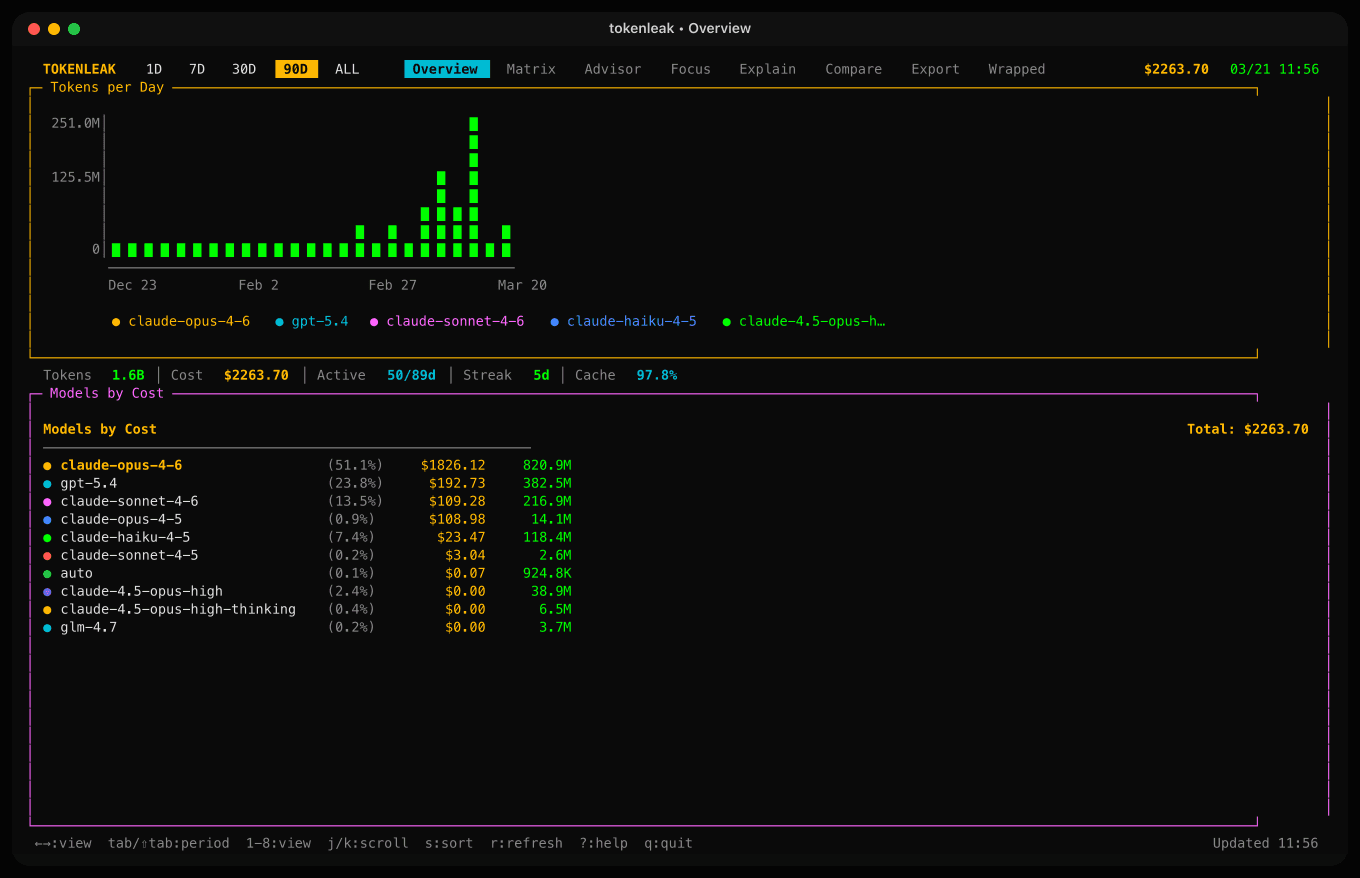
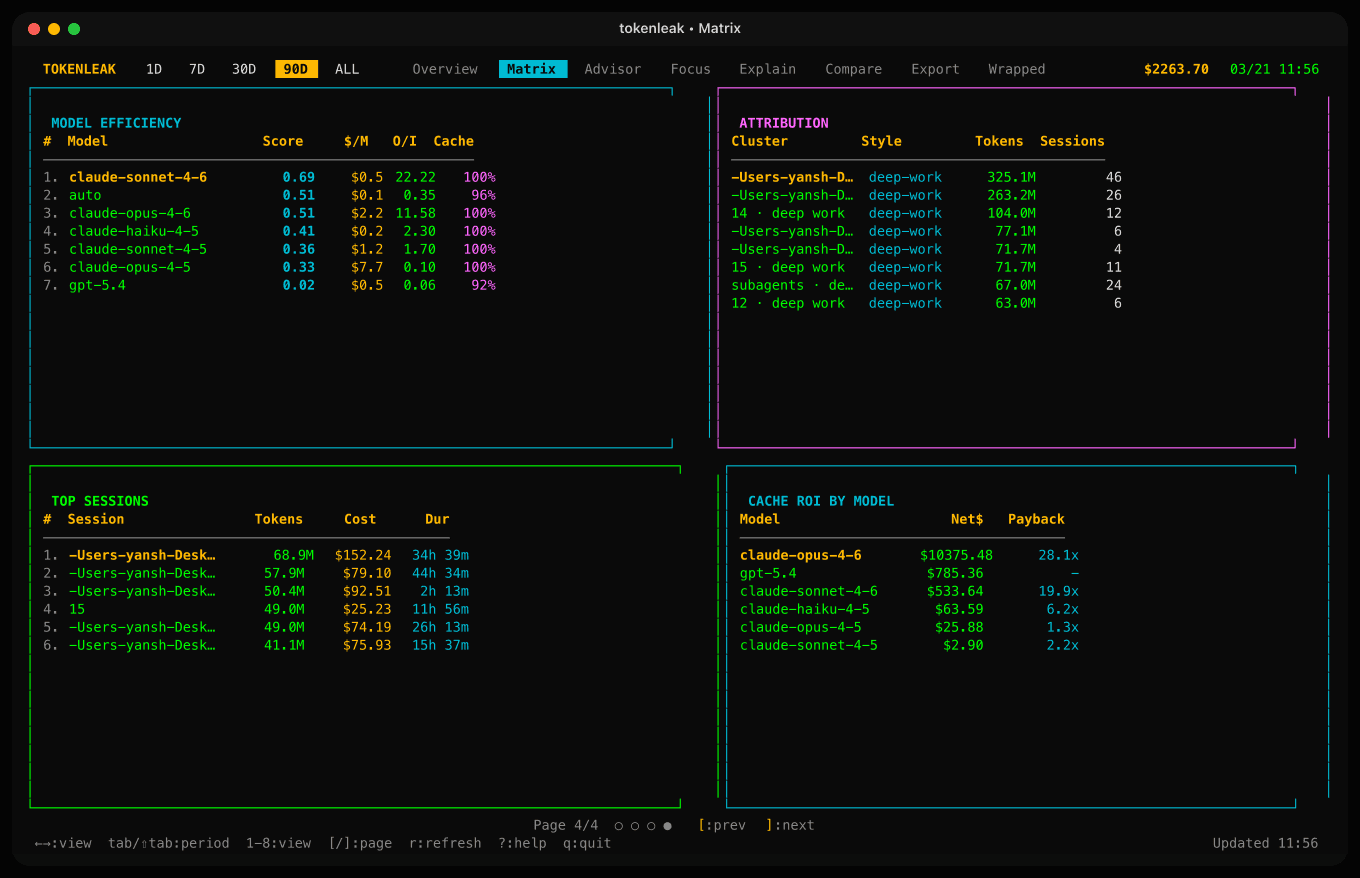
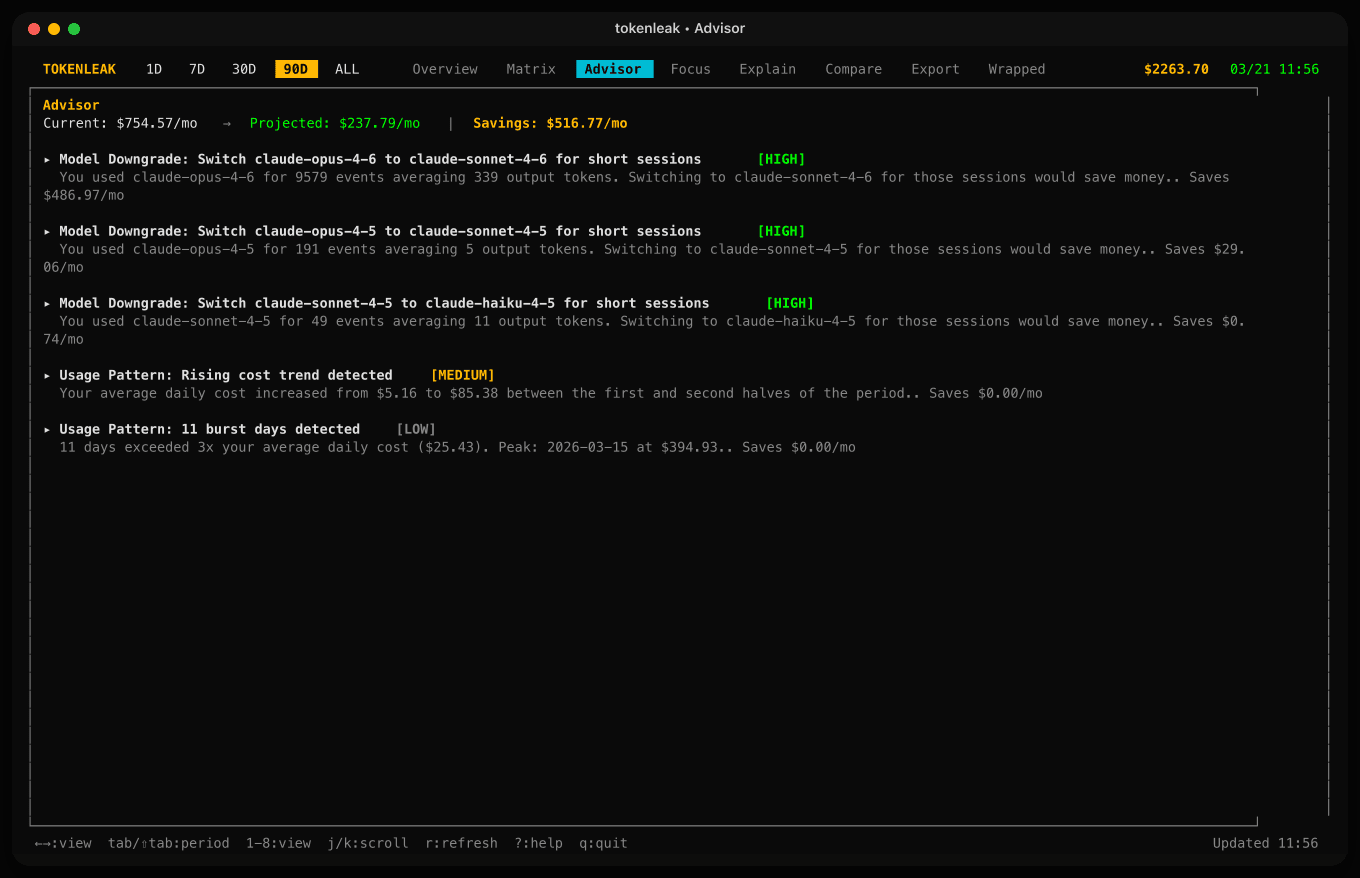
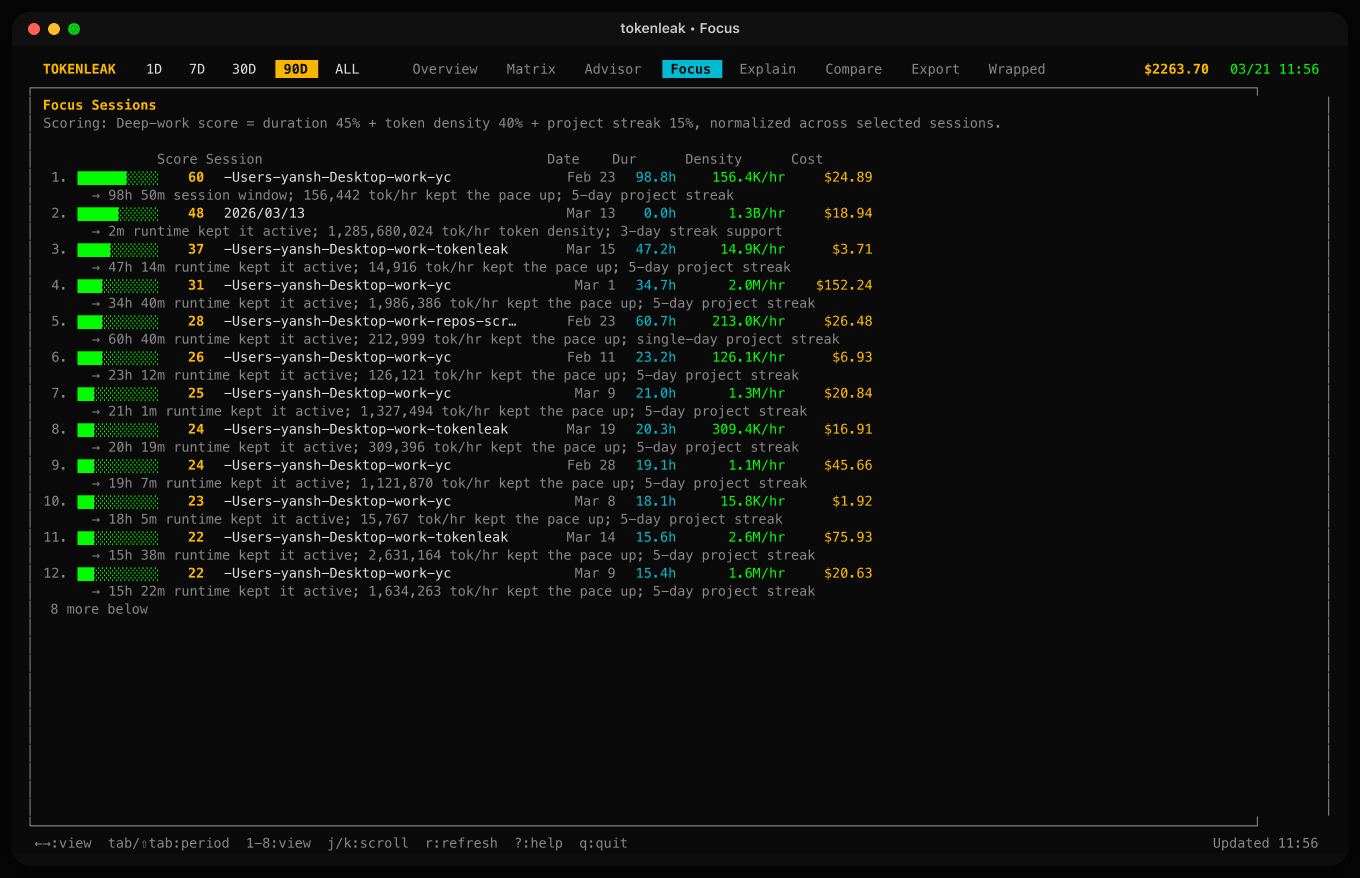
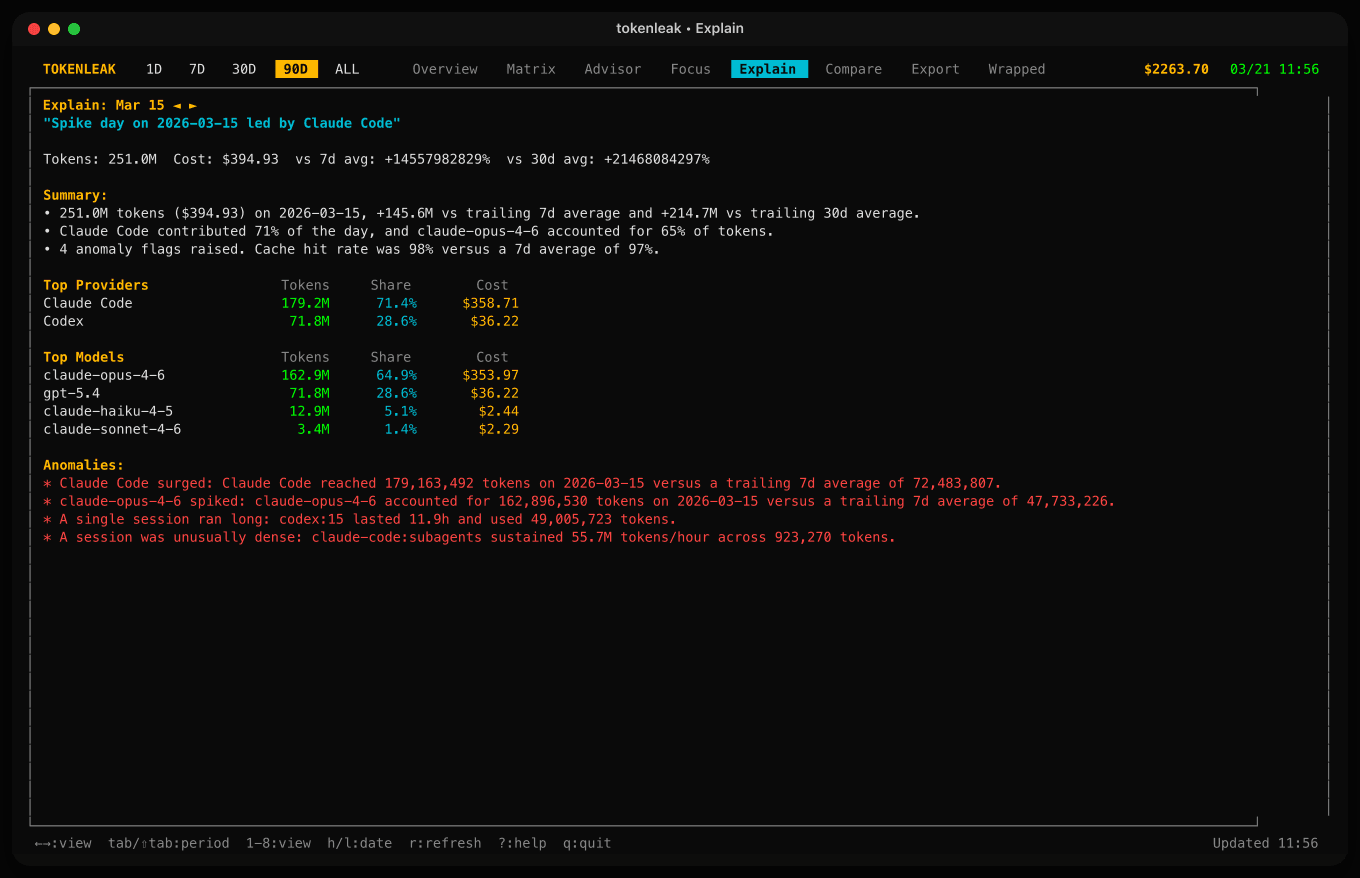
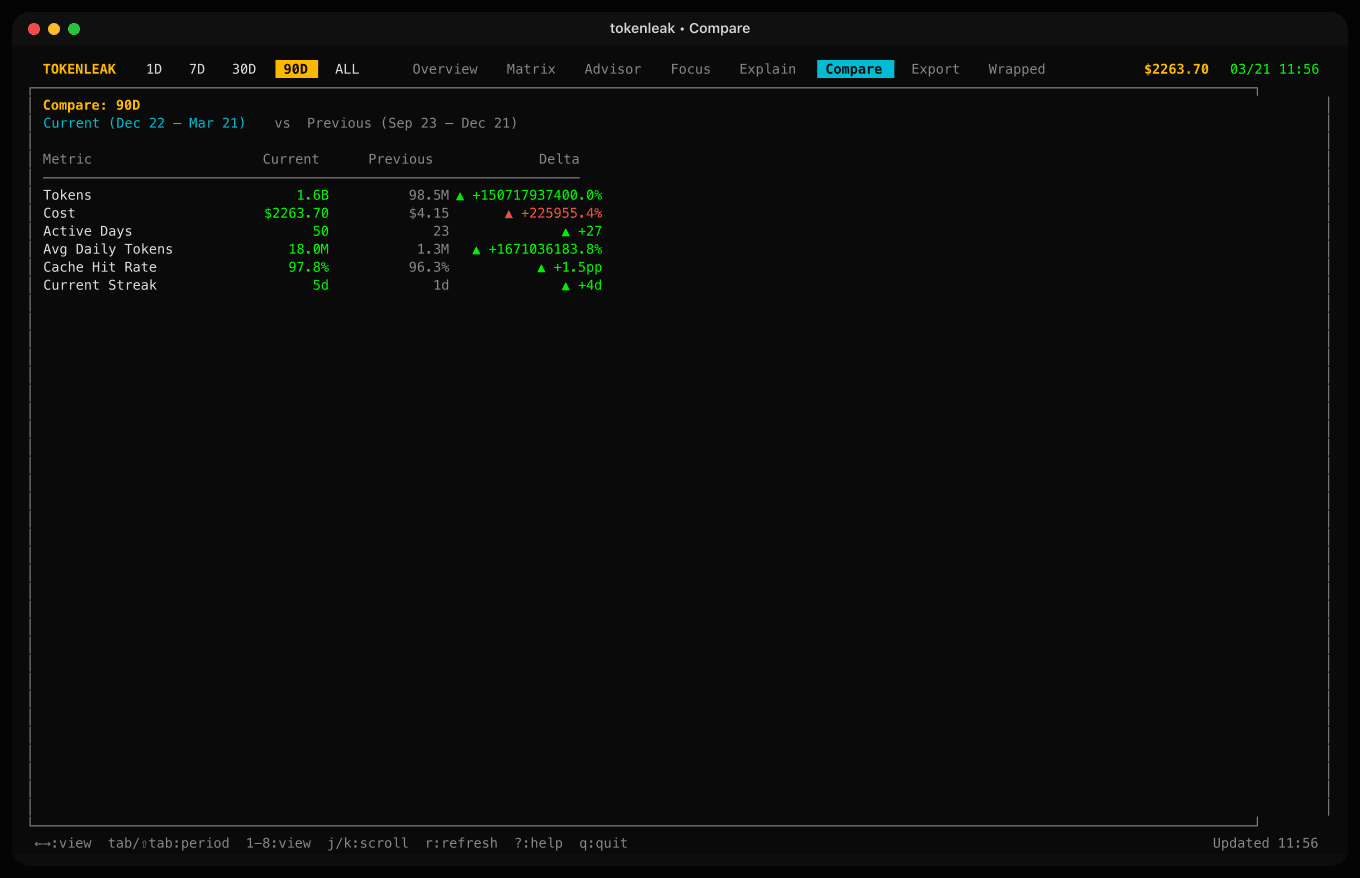
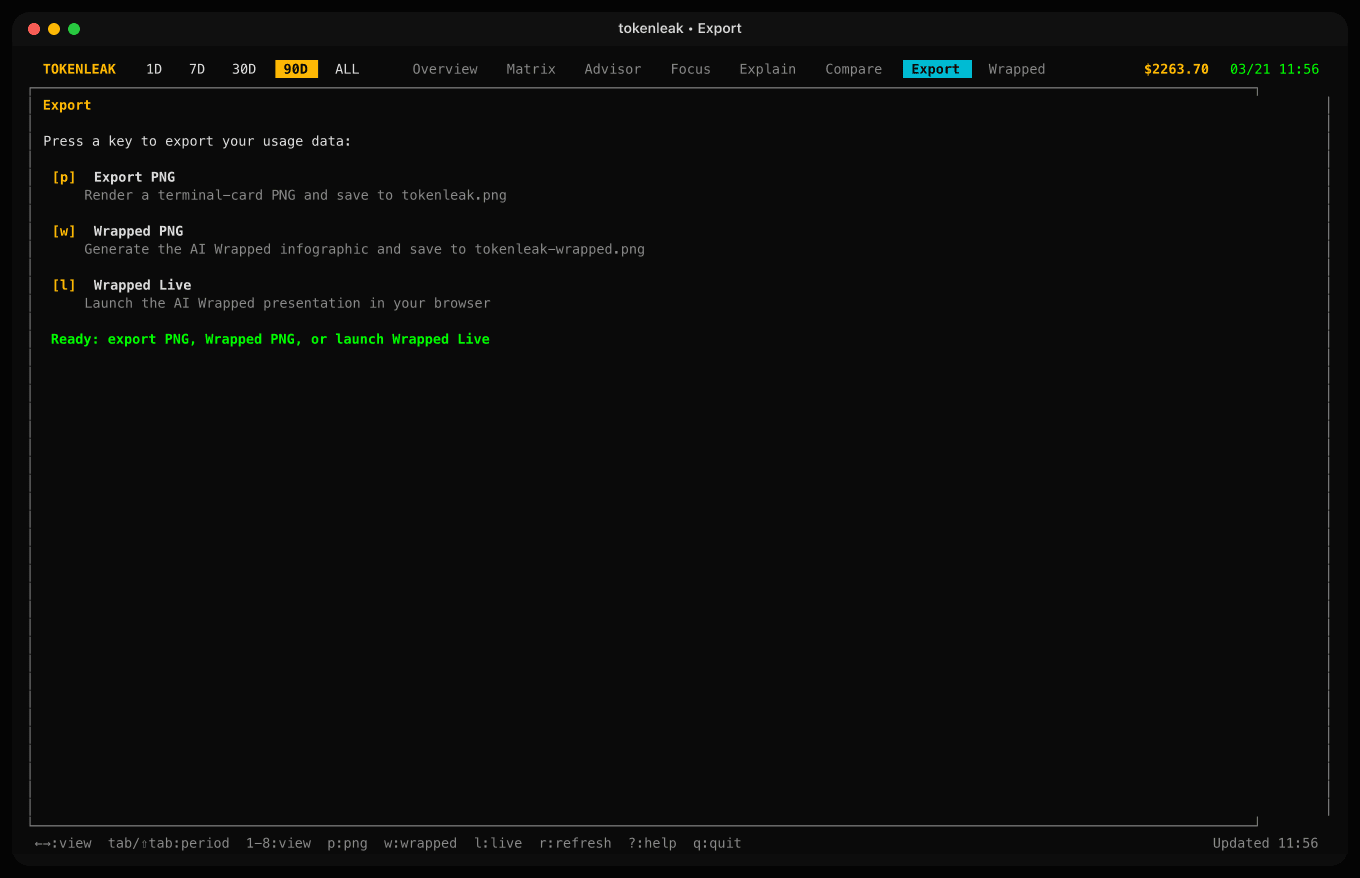
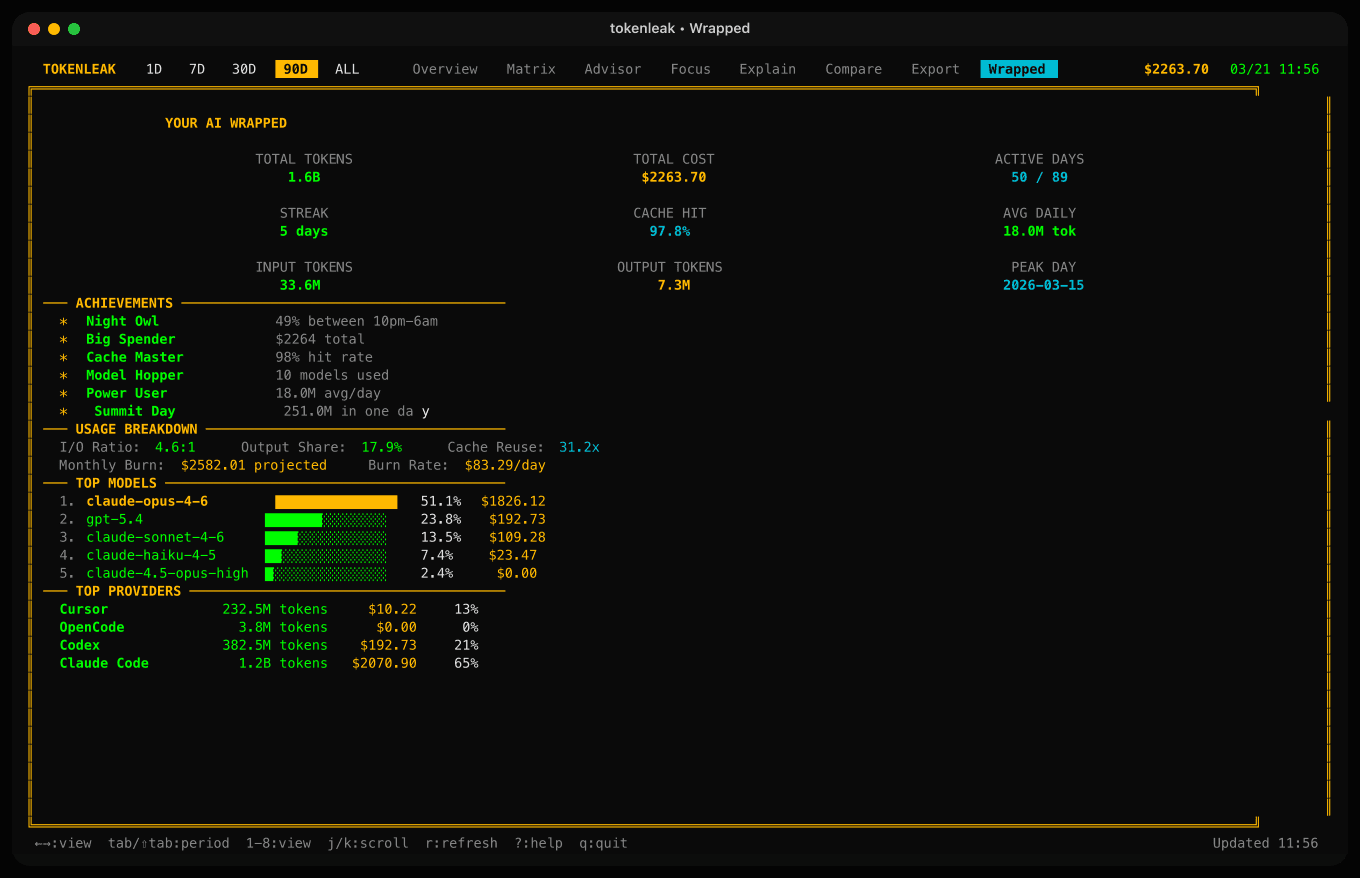
11 views, one keypress away.
tokenleak ships a full-screen TUI built with @opentui/core. arrow keys to switch, number keys to jump straight to a view.
▁▂▅▇▆▃▁
░▒▓██▓▒
  ▶ play
repo  ┐
  →  $$
  →  ↑↑↑
─────
$  ───
$$ ───
$$$───
three things, well.
13 providers, zero config. point it at the machine where you actually code — it finds the logs.
streaks, rolling windows, cache ROI, model efficiency, attribution clusters, focus scoring.
png · svg · json · wrapped · gist upload · clipboard · live browser dashboard.
100% local. zero telemetry.
every number you see comes from logs your AI tools already write to disk. tokenleak just reads, parses, and renders. nothing is uploaded, nothing is phoned home.
scan local log directories. nothing leaves your machine.
extract per-message token usage + model + timestamp from jsonl / csv / json.
fold into daily stats, streaks, rolling windows, cache roi, model efficiency.
tui · terminal · json · svg · png · wrapped · live server · mcp.
tokenleak reads from these paths on your machine. you can override each with an env var. cursor needs a one-time login to populate the cache; everything else is automatic.
stop overpaying.
real-time pricing via litellm. tokenleak watches your sessions for cheaper-model swaps and surfaces six deterministic waste patterns with local recipes to fix them.
see what your tokens actually shipped.
tokenleak nutrition cross-references token spend with local git output — commits, changed lines — and tells you the cost-per-outcome for every repo you touched.
| repo | tokens | cost | commits | $/commit | roi signal |
|---|---|---|---|---|---|
| tokenleak | 3.4M | $18.20 | 42 | $0.43 | strong · shipping |
| tokenleak-landing | 1.1M | $6.40 | 11 | $0.58 | healthy |
| yc-api | 2.8M | $22.60 | 3 | $7.53 | exploring · low yield |
| experiments | 0.9M | $9.10 | 0 | — | research only |
this week vs. last.
auto-split your range or compare against a fixed period. ships json · png · svg with delta cards.
your year, one card.
12 sections of stats, achievements, and habit data. export as a tall png or run as an interactive 12-slide browser deck.
tokenleak --format wrapped --open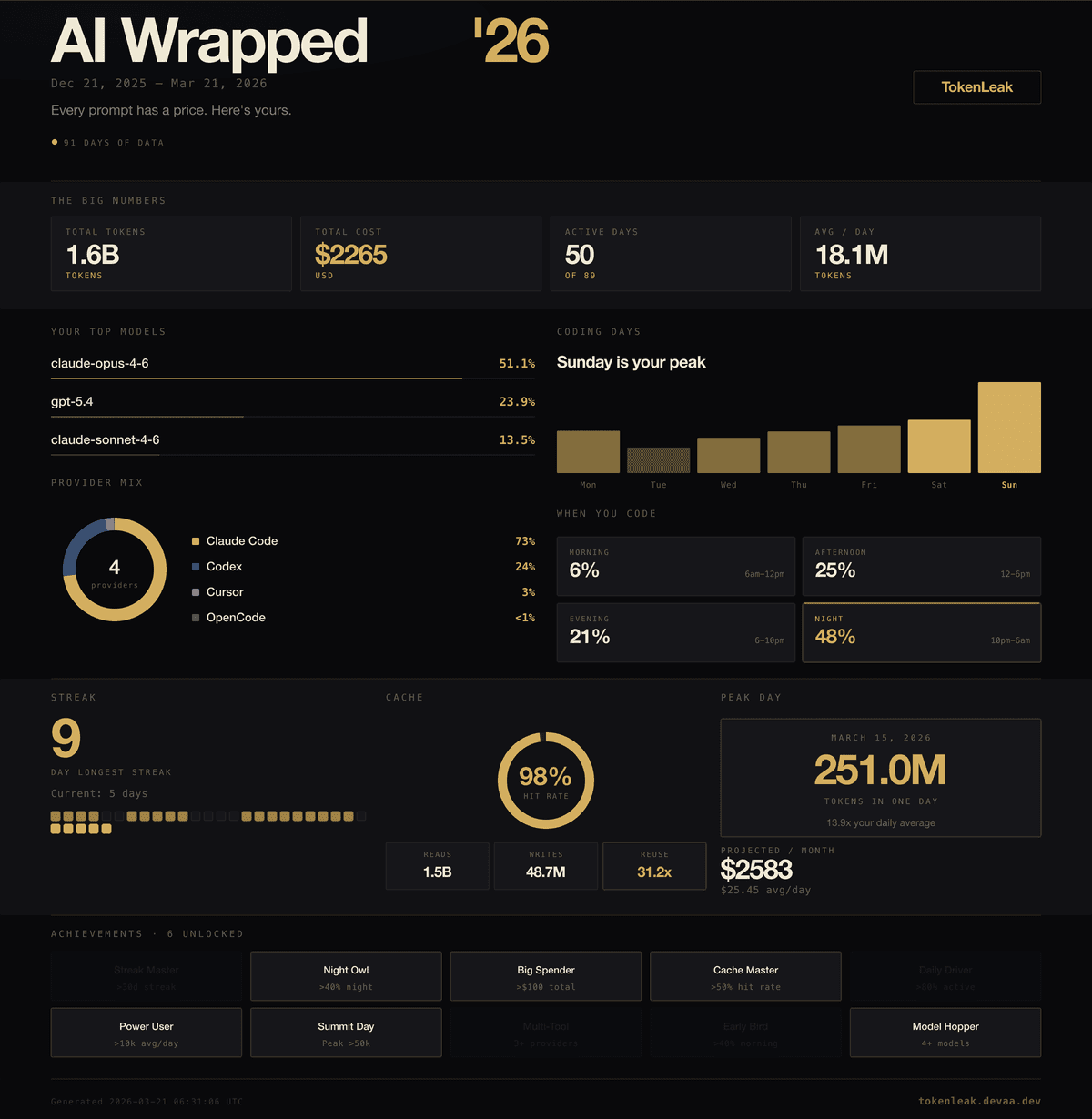
ask claude "how much have i spent?"
tokenleak ships an MCP server. drop it into any MCP-compatible client and your AI gets full read access to your local usage.
- ▸list_providers
- ▸get_usage_summary
- ▸get_daily_usage
- ▸get_cost_breakdown
- ▸get_streaks_and_habits
- ▸compare_periods
- ▸get_efficiency_advice
{
  "mcpServers": {
    "tokenleak": {
      "command": "bun",
      "args": ["run", "/path/to/tokenleak/packages/mcp/dist/index.js"]
    }
  }
}one line. no signup.
the commands you'll actually run.
# everything in one keystroke
$ tokenleak  # tui dashboard
$ tokenleak --advisor --days 30  # cost-saving recs + waste patterns
$ tokenleak nutrition --days 30  # tokens vs git output by repo
$ tokenleak --compare auto  # this period vs last
$ tokenleak --format wrapped --open  # share your year
$ tokenleak replay 2026-04-22 --interactive  # browser scrub UI
$ tokenleak focus --provider codex --days 30  # deep-work ranking
$ tokenleak explain 2026-04-22  # narrative breakdown
$ tokenleak commons prompt --clipboard  # llm-ready analysis prompt
$ tokenleak --wrapped-live --days 365  # browser deck